
Book to App Conversion: Complete Guide to Turning Your Children's Book into an Interactive App
Book to app conversion transforms your static children’s book into a native iOS and Android interactive experience. Professional Unity-based development costs $9,000–$15,000 and typically takes 4 to 6 months. This guide covers the full process, honest pricing, and what actually makes an app succeed. Written by a children’s book illustrator and app developer with 27 years of experience and 25+ published apps.

You wrote a children’s book. You had it illustrated. Maybe you’ve already sold hundreds of copies. Now you’re watching children swipe iPads at the breakfast table and wondering: could my book live on that screen?
The question I hear most from authors is not “is this possible?” It’s “who can I actually trust with this?” After 27 years creating educational content for children, 58+ published books, 25+ apps, and over one million combined app downloads, I understand that hesitation. This guide gives you honest answers, not a sales pitch.
I built the Brand New World educational platform on Unity, partnered with the Eugenides Foundation in Greece, and developed apps used by 50,000+ children with autism and learning differences. Every lesson from those projects is in this guide. By the end, you’ll know exactly what book to app conversion costs, how it works, whether your book is a good candidate, and how to avoid the expensive mistakes most authors make.
Every app I build also funds the development of autism-friendly educational tools and resources for neurodivergent children. Read about the mission here.
Why Authors Get Stuck When Trying to Go Digital
Quick Answer: Most authors who want to convert their children’s book to an app face three real barriers: they can’t afford agency prices ($15,000–$50,000+), they’re worried about poor quality from cheap freelancers, and they don’t know enough about the process to evaluate who to hire. The result is inaction. A great book that never becomes the interactive experience it could be.
I talk to authors every week who have brilliant books and completely legitimate worries. The frustration is real, and it comes from how broken the current market is.
Pain Point 1: Agencies are priced out of reach. The same development shops that build apps for major publishers charge $15,000 to $50,000+. That’s not a realistic investment for an independent author, no matter how good the book is.
Pain Point 2: Cheap platforms disappoint. Tools like Book Creator, Kotobee, and Appy Pie exist for a reason. They’re accessible and affordable. But they produce what I call “glorified PDFs.” A child taps the screen expecting something to happen and gets a page turn. That kills engagement immediately.
Pain Point 3: Freelancers are a gamble. Marketplaces like Upwork have developers quoting $2,000 to $8,000. Some are excellent. Many have never shipped a children’s app. You can’t tell from a profile whether they understand COPPA compliance, child UX design, or how to get approved in the App Store.
Pain Point 4: No one explains the process clearly. App development has its own vocabulary: Unity, APK, ASO, TestFlight, IARC ratings. Most developers don’t take the time to explain what they’re doing or why. Authors end up confused, dependent, and often over-charged for revisions they didn’t understand were billable.
This guide exists for exactly that reason. An informed author makes better decisions, gets better results, and doesn’t get burned.
What Is Book to App Conversion, and What It Is Not?
Quick Answer: Book to app conversion is the process of transforming a static children’s book into a native mobile application for iOS and Android. A real conversion includes custom animations, touch-triggered interactions, professional narration, sound design, and App Store submission. It is NOT simply wrapping a PDF in a reader app. That’s digitization, not transformation.
There is a wide spectrum of what people call “interactive books.” The difference between the ends of that spectrum is enormous. Understanding these levels helps you ask the right questions of any developer you speak with.
The Four Levels of Digital Book Conversion
Level | What It Is | Technology | Cost Range | Real Interactivity |
|---|---|---|---|---|
Level 1: Digital Flip-book | PDF or EPUB wrapped in a basic reader | Book Creator, Kotobee | $0 to $500 | Page turns only. Minimal. |
Level 2: Enhanced Ebook | EPUB3 with embedded audio and video | HTML5, iBooks Author | $500 to $3,000 | Audio narration. Simple taps. |
Level 3: Template App | App built from pre-made templates | Appy Pie, BuildFire | $1,000 to $5,000
| Limited to template options. |
Level 4: Custom Native App | Fully custom iOS and Android app | Unity (ReadnLearn) | $9,000 to $15,000 | Animations, games, narration, full interactivity. |
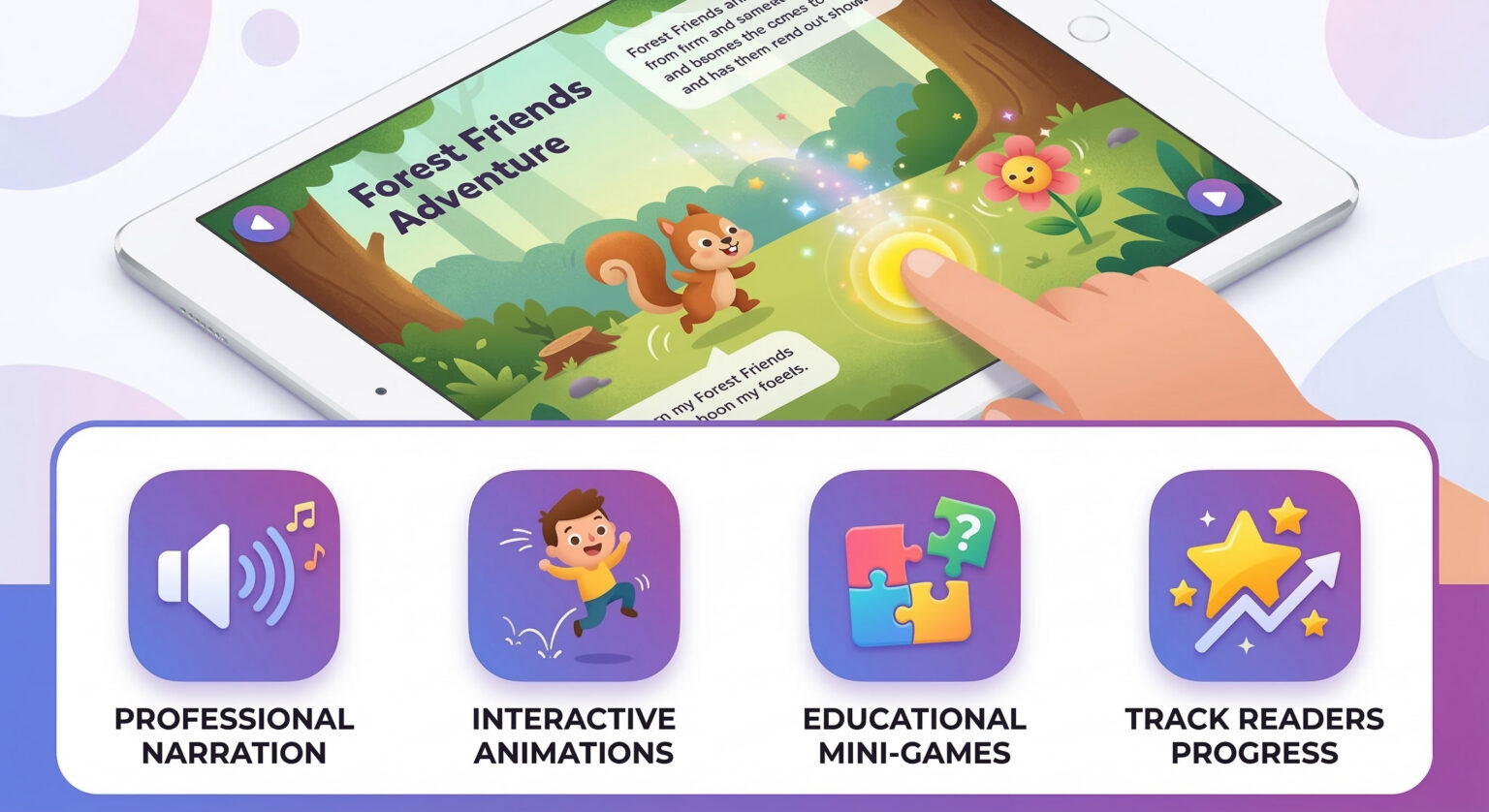
When I talk about book to app conversion in this guide, I mean Level 4. Everything below that is a compromise that children will feel immediately. Kids who grow up with apps know the difference between a real interactive experience and a PDF that plays sounds.
What a Real Conversion Feels Like for a Child
Here is the same moment from a book, before and after a proper conversion:
Static book: “The butterfly landed on the flower.” The child looks at the illustration and turns the page. Ten seconds of engagement, maybe less.
Interactive app: The child taps the butterfly. It flutters to three different flowers, each with a different bloom animation. The narrator reads the sentence with word-by-word highlighting. Soft rain sounds fade in. The child tilts the device and the butterfly changes direction. They spend 90 seconds on one page and then go back to do it again.
That 9x increase in engagement time is not luck. Children process and remember interactive experiences differently from passive reading. I’ve seen this pattern hold across 25+ apps and over one million downloads of real usage data.
Is Your Children's Book Ready for App Conversion?
Quick Answer: Your book is ready for professional app conversion if it has proven market demand (500+ copies sold), strong illustration content, a target age of 3 to 8, and a realistic budget of $9,000–$15,000. If your book hasn’t found its audience yet, build that audience first. App conversion amplifies demand. It does not create it from scratch.
I turn some authors away. Not because I don’t want the work, but because I’d rather have an honest conversation early than take a project that isn’t positioned to succeed. Here is how to evaluate your own situation honestly.
Strong Candidates for Book to App Conversion
- Your book has sold 1,000+ copies (proven reader demand exists)
- Target age is 3–8 years (prime interactive app engagement range)
- The book is illustration-heavy with clear visual storytelling
- You have an existing audience: email list, social media following, school network
- Your book includes educational content, repetitive activities, or learning objectives
- You are willing to market the app actively after launch
- A budget of $9,000–$15,000 is realistic for your situation
Signs the Timing Is Not Yet Right
- Fewer than 500 copies sold. Build your reader audience first.
- Minimal illustrations or heavy text-focus (better suited to ebook format)
- Budget under $8,000 (professional quality cannot be achieved at this level)
- Expecting the app to succeed without a marketing plan
- Timeline under 8 weeks (you can’t rush quality)
Not Sure If Your Book Is Ready?
I offer a free 30-minute book assessment. Send me your book PDF beforehand and I’ll give you an honest answer before you commit to anything. No obligation, no sales pressure.
Why Do Authors Actually Convert Their Books to Apps?
Quick Answer: The strongest reasons to invest in book to app conversion are: reaching children who don’t engage with traditional books (especially those with dyslexia, ADHD, or autism), creating a second revenue stream from institutional licensing (schools pay $300–$2,000 per licence per year), and building professional authority that opens doors print books alone cannot.
Authors come to me with different goals. Revenue is one reason, but it’s rarely the whole picture. Here are the real motivations I hear most.
Reason 1: Reaching Children Who Need Different Learning Formats
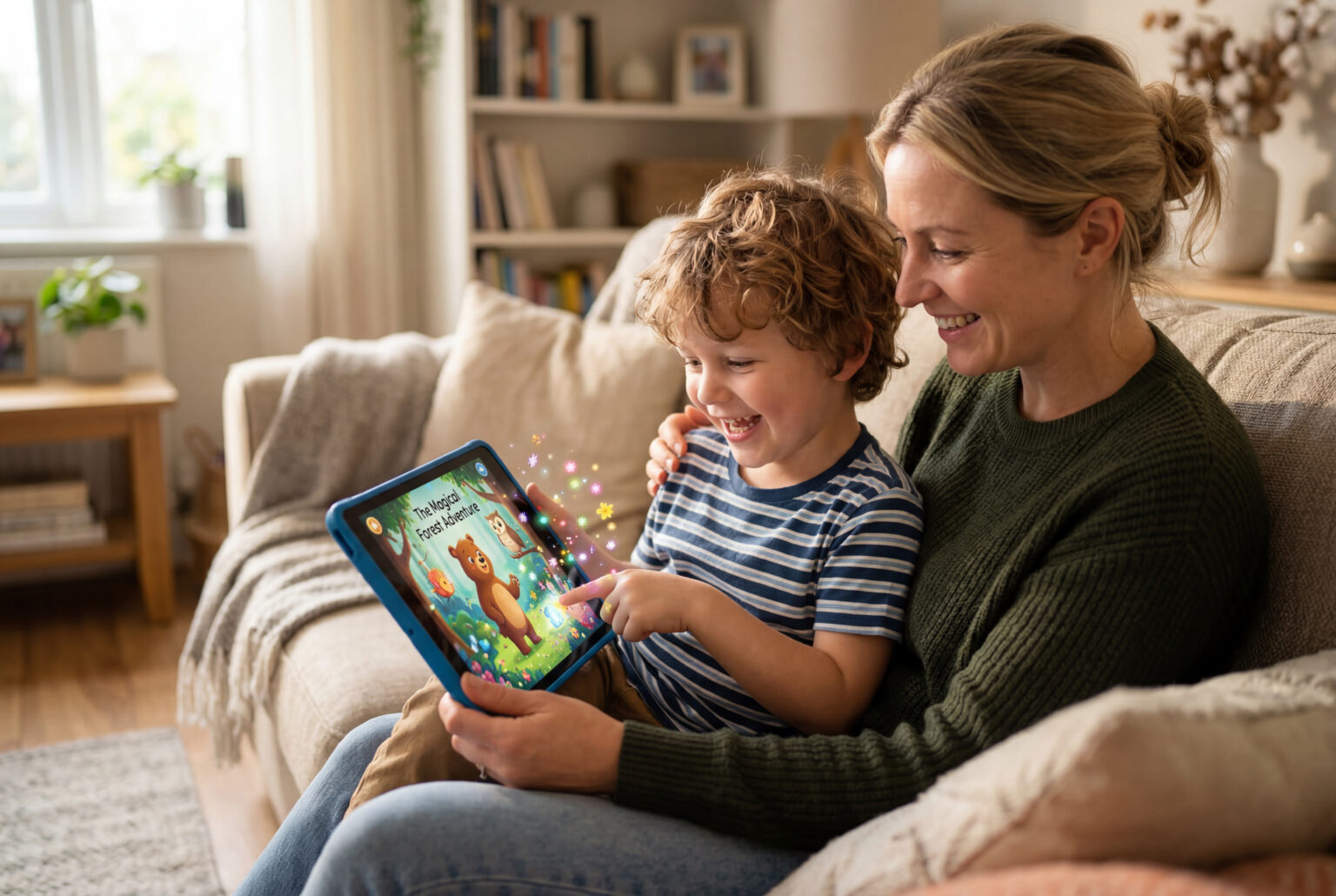
Many children struggle with traditional books. Not because they don’t love stories, but because static text and illustrations aren’t how their brains process information. Interactive apps with narration and word highlighting genuinely help children with dyslexia. Timed, rewarding interactions hold the attention of children with ADHD. Visual schedules and customisable settings support children on the autism spectrum. I built the Brand New World apps specifically for children with learning differences, and the feedback from parents still moves me every time I read it.
If your book has an inclusive message or educational mission, an app extends that impact to children who will never pick up the print version. According to SCBWI, digital formats now account for a growing share of children’s book consumption, especially in classroom and therapeutic settings.
Reason 2: Institutional Licensing Is a Recurring Revenue Stream
This is the revenue stream most authors don’t know about. Schools, libraries, and educational institutions buy apps differently from individual consumers. They pay $300–$2,000 per institution for unlimited student access, and they renew annually. An early literacy app I developed generated $23,500 in annual recurring revenue from just 47 school licences. That’s revenue that keeps arriving without additional development or marketing cost.
The Graphic Artists Guild and educational technology research both confirm that institutional buyers prefer apps over physical books for reasons of cost, analytics, and accessibility. Five to ten institutional licences can cover your entire development investment in year one.
Reason 3: A Revenue Stream That Grows Without You
Once your app is live in the App Store and Google Play, it generates downloads without your time or physical presence. Unlike a book signing or school visit, the app works while you’re doing something else. Year two and three downloads arrive with almost no extra cost because the development is already paid for. The break-even point at a $4.99 price point is around 2,500–3,500 downloads, which is realistic within 6–12 months for an author with an existing audience of 1,000+ engaged readers.
Reason 4: Building Authority That Opens New Doors
“I wrote a children’s book” is a meaningful credential. “I created an interactive educational app with 100,000+ downloads” opens entirely different conversations: with publishers, conferences, media, and educational technology companies. Authors I’ve worked with have used their app’s success to land conference speaking engagements, partnerships with tablet manufacturers, and acquisition conversations they never expected. The app becomes proof that your content has real commercial and educational value, beyond what print sales alone can demonstrate.
How Does the Book to App Conversion Process Work?
Quick Answer: A professional book to app conversion follows five phases over 4 to 6 months. The phases run from discovery through to App Store launch and you are involved at every milestone and nothing ships without your approval.
One of the biggest worries authors have is losing creative control once they hand the project over. I built this process to keep you in control at every stage. Here is what actually happens, step by step.
Phase 1: Discovery and Planning (Month 1)
The first week is about understanding your book before touching any code. I read your manuscript, review your illustrations, and map out the interactive possibilities page by page. We discuss your audience’s age range, what devices they typically use, any hard deadlines like a book launch or holiday season, and which pricing tier fits your goals. At the end of this phase, you receive a full interactive storyboard: a visual blueprint showing exactly what will happen on every page, every interaction, every sound cue. Nothing moves forward without your approval of that document.
Phase 2: Design and Asset Preparation (Months 1 to 2)
This phase transforms your book illustrations into animation-ready digital assets. Characters get separated into layers so they can move independently. Background elements are isolated for parallax scrolling effects. I record or source professional narration, design sound effects, and create the UI elements (buttons, menus, navigation) that match your book’s visual style. Every animation gets a preview you approve before it’s built into the app. If you have layered PSD or AI files from your illustrator, this phase is faster and cheaper. If you only have final print files, I handle the extraction.
Phase 3: Development and Programming (Months 2 to 4)
This is where the app is built in Unity. I write the code that drives every interaction: the tap responses, the animations, the narration timing, the word highlighting, any mini-games or activities. I build for both iOS and Android simultaneously in Unity, which is why the platform choice matters so much for cost. Halfway through development, you receive a working beta build on TestFlight (iOS) or as an APK (Android). You test it on real devices and send feedback. Minor adjustments at this stage are handled within the project. Significant additions are discussed separately.
Phase 4: Quality Assurance and Testing (Month 5)
Before anything goes to the App Store, the app is tested across a device matrix: multiple iPad and iPhone models, Samsung tablets, Android phones from budget to premium. I test for crashes, performance on older hardware, audio sync, and every interactive element. Then children in your target age range test the app with no instructions. If a five-year-old can’t figure out a navigation element without help, it gets redesigned. You receive a final build for your own review and sign off before submission.
Phase 5: App Store Submission and Launch (Month 6)
App Store submission is more involved than most authors expect. It requires properly formatted screenshots, a preview video, a complete metadata strategy for search visibility, privacy policy documentation, and an IARC content rating questionnaire. I handle all of this. My first-submission approval rate is above 85% because I know the guidelines well. Apple typically reviews in 24–48 hours. Google Play is faster. Once approved, I coordinate launch timing with your promotional calendar so the app goes live when your audience is ready to download it.
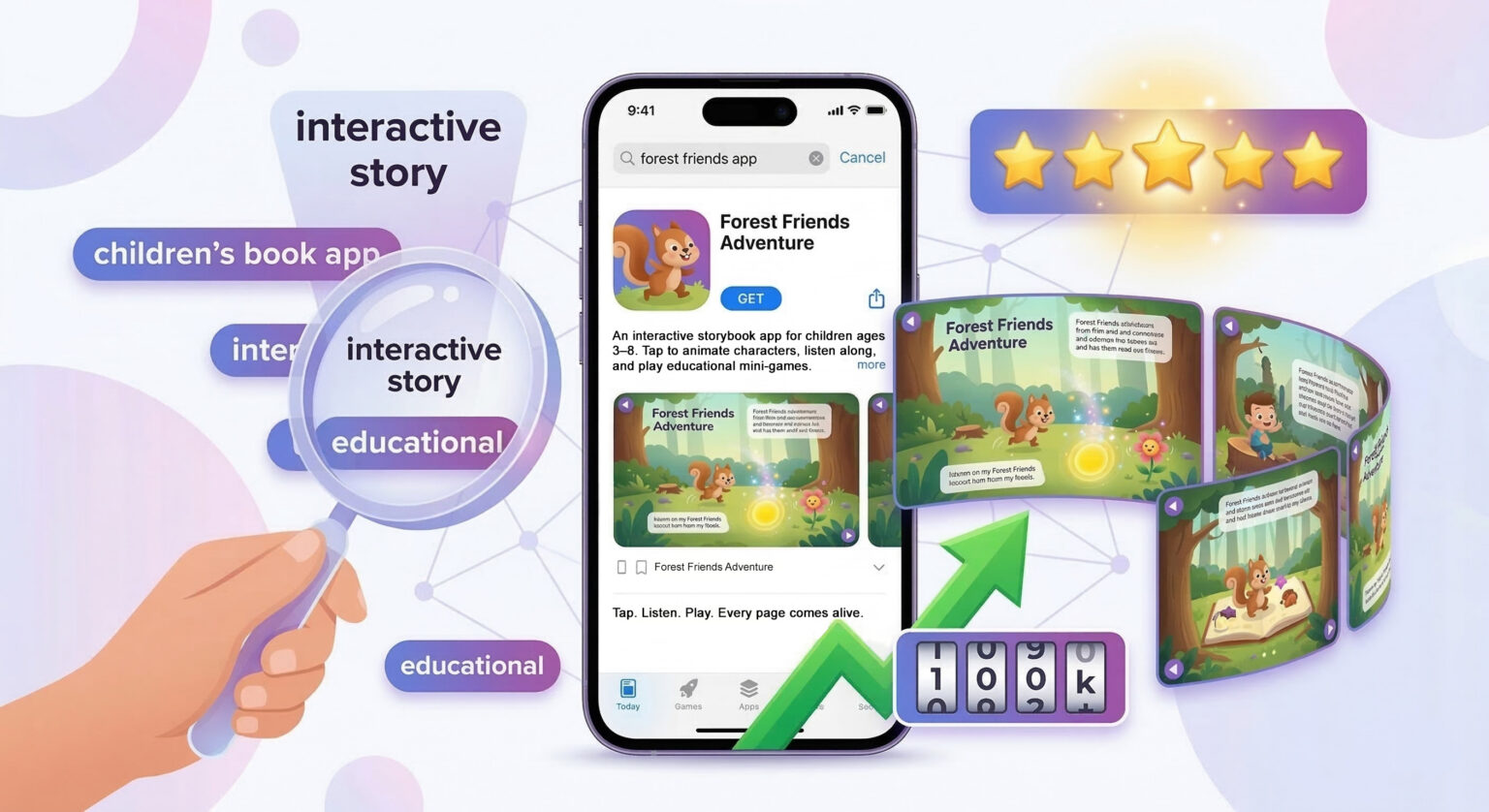
Completed App Projects
The Story Apps portfolio shows completed book-to-app projects including client work for Minoas Editions and the Planets and Dinos AR app for KidLab. The Educational Apps portfolio covers the broader app development work.
Why Does the Technology Choice Matter to You?
Quick Answer: The technology used to build your app determines what interactive features are possible, how much the development costs, and whether the app works on both iOS and Android. Unity is the best choice for children’s book apps because it allows one codebase to run on both platforms simultaneously, supports rich animation and game mechanics, and is the same engine behind the Read’nLearn portfolio of 25+ published apps with over 1,000,000 combined downloads.
Technology | Interactivity Level | iOS + Android | Typical Cost Impact | Best For |
|---|---|---|---|---|
Unity (ReadnLearn) | Unlimited: games, animations, physics | Yes, one code-base | Most efficient | Interactive picture books, educational apps |
Native (Swift / Kotlin) | High but limited to one platform | No. Two separate builds needed. | 20 to 40% more expensive | Simple reader apps, platform-exclusive features |
Web (HTML5 / React Native) | Moderate. Limited animation performance. | Partial. Inconsistent on devices. | Cheaper upfront, worse result
| Content only apps, browser companion experiences |
I chose Unity as my primary platform in 2012 and have built every major app on it since. The efficiency of writing once and deploying to both iOS and Android means a cross-platform app at $12,000 in Unity would cost $18,000–$22,000 with native development. The performance difference also matters in practice: Unity apps run at consistent frame rates across device generations, which is important when a five-year-old is tapping rapidly and expecting instant feedback.
Children’s apps also have to meet strict legal requirements around data collection. The COPPA regulations (Children’s Online Privacy Protection Act) apply to any app directed at children under 13. I’ve navigated these requirements across 25+ published apps, so COPPA compliance is built into the process from the beginning, not retrofitted after Apple flags it.
How Much Does Book to App Conversion Cost?
Quick Answer: Professional book to app conversion costs $9,000–$15,000 with ReadnLearn depending on features and platform scope. This covers Unity development, iOS and Android builds, narration, animations, App Store submission, and post-launch support. ReadnLearn sits in the “accessible professional” tier: significantly less than agencies ($15,000–$50,000+) while delivering comparable quality, because there is no agency overhead passed to you.
Tier | Price | What’s Included | Best For | Timeline |
|---|---|---|---|---|
Tier 4A: Essential | $9,000 | iOS only, read-along narration, basic tap animations, App Store submission | Authors testing the market with a first app | 3 to 4 months |
Tier 4B: Professional Most Popular | $12,000 | iOS + Android, enhanced animations, word highlighting, sound design, 1–2 mini activities, 30-day post-launch support | Authors ready for full market reach | 4 to 6 months |
Tier 4C: Advanced | $15,000 | Everything in 4B plus mini-games, adaptive difficulty, parental dashboard, analytics, 90-day post-launch support | Educational books with strong learning objectives | 6 to 9 months |
Agency Tier | $15,000 to $50,000+ | Full-service with project managers and marketing teams | Publishers and established authors with large budgets | 6 to 9 months |
DIY / Template Platforms | $0 to $3,000 | Template-based, limited interactivity, no true native app | Authors on very tight budgets who accept significant limitations | Varies
|
How Are Milestone Payments Structured?
Payment is split into four milestones so you never pay for work that hasn’t been delivered. Milestone 1 (25%) is due at project kickoff and secures your timeline slot. Milestone 2 (25%) is due at storyboard approval, before development begins. Milestone 3 (25%) is due at beta delivery, when you have a working testable app on your device. Milestone 4 (25%) is the final payment due at App Store submission approval. If any milestone doesn’t meet expectations, I address it before the next payment is triggered.
What Is Not Included in the Base Price?
Professional voice actor recording ($1,500–$2,500) is an add-on if you want a recorded voice rather than text-to-speech narration. Translation to additional languages is $1,000–$2,000 per language. Additional illustration creation, if your original files need significant rework, is quoted separately. These are the only significant add-ons. There are no hidden fees for App Store submission, device testing, or the revision rounds included in each milestone.
Want a Specific Estimate for Your Book?
Send me your book PDF and I will give you a custom price estimate within 48 hours. You’ll know exactly which tier fits your goals before you commit to anything. No credit card, no obligation.
Real Apps, Real Publishers, Real Downloads: What the Portfolio Looks Like
Quick Answer: The Read’nLearn app portfolio has been live on the App Store since 2014 with 25+ published apps, ranked in 110+ countries, 2,000+ reviews averaging 4.5 stars, and over 1,000,000 combined downloads. Commissioned clients include Minoas Editions, the Eugenides Foundation, and Menandros Publishing. The work goes back further than that: the Pinocchio app for Minoas Editions was covered by LiFO and in.gr in 2012. When you ask whether I’ve done this before, there are 14 years of published work to look at.
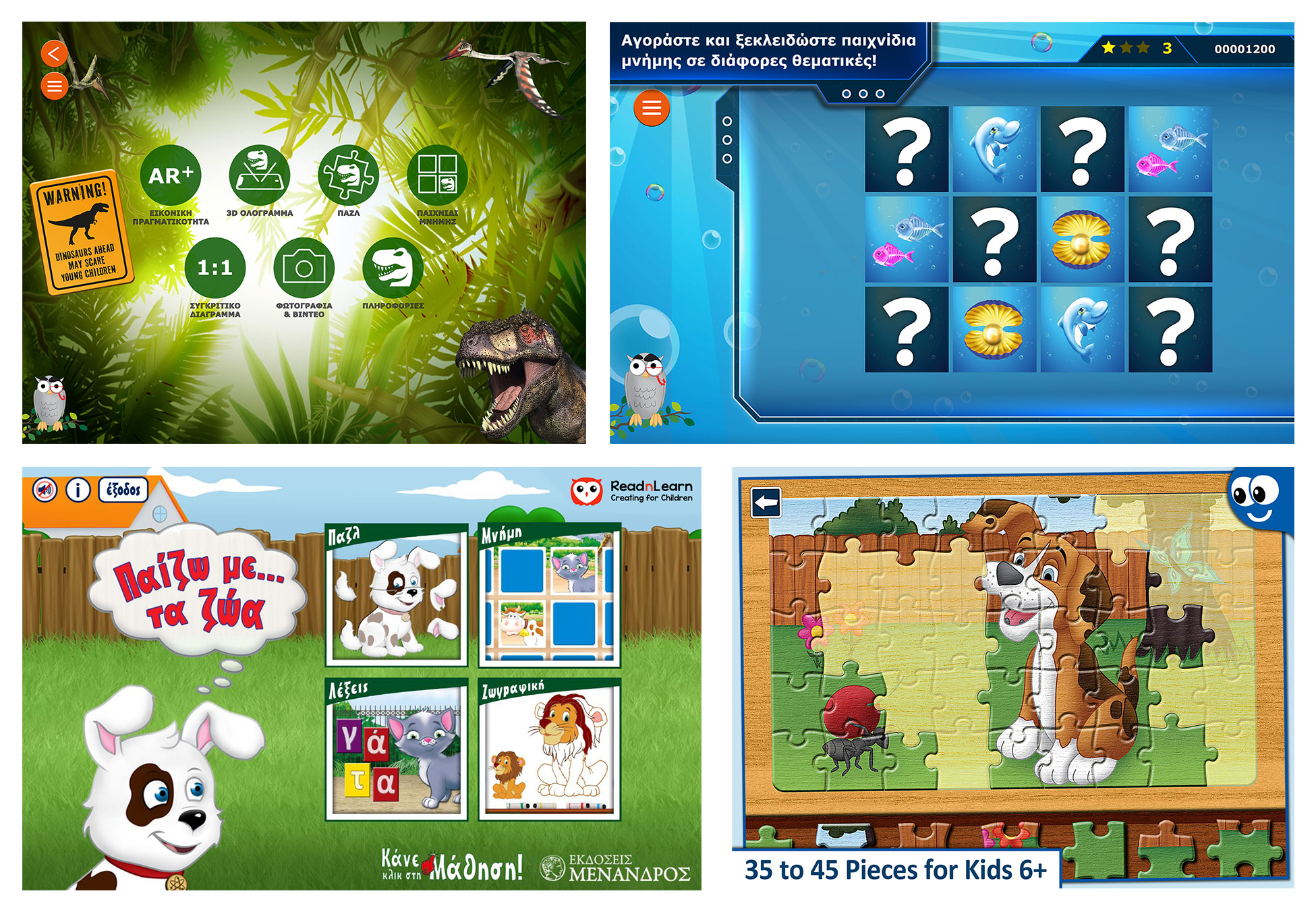
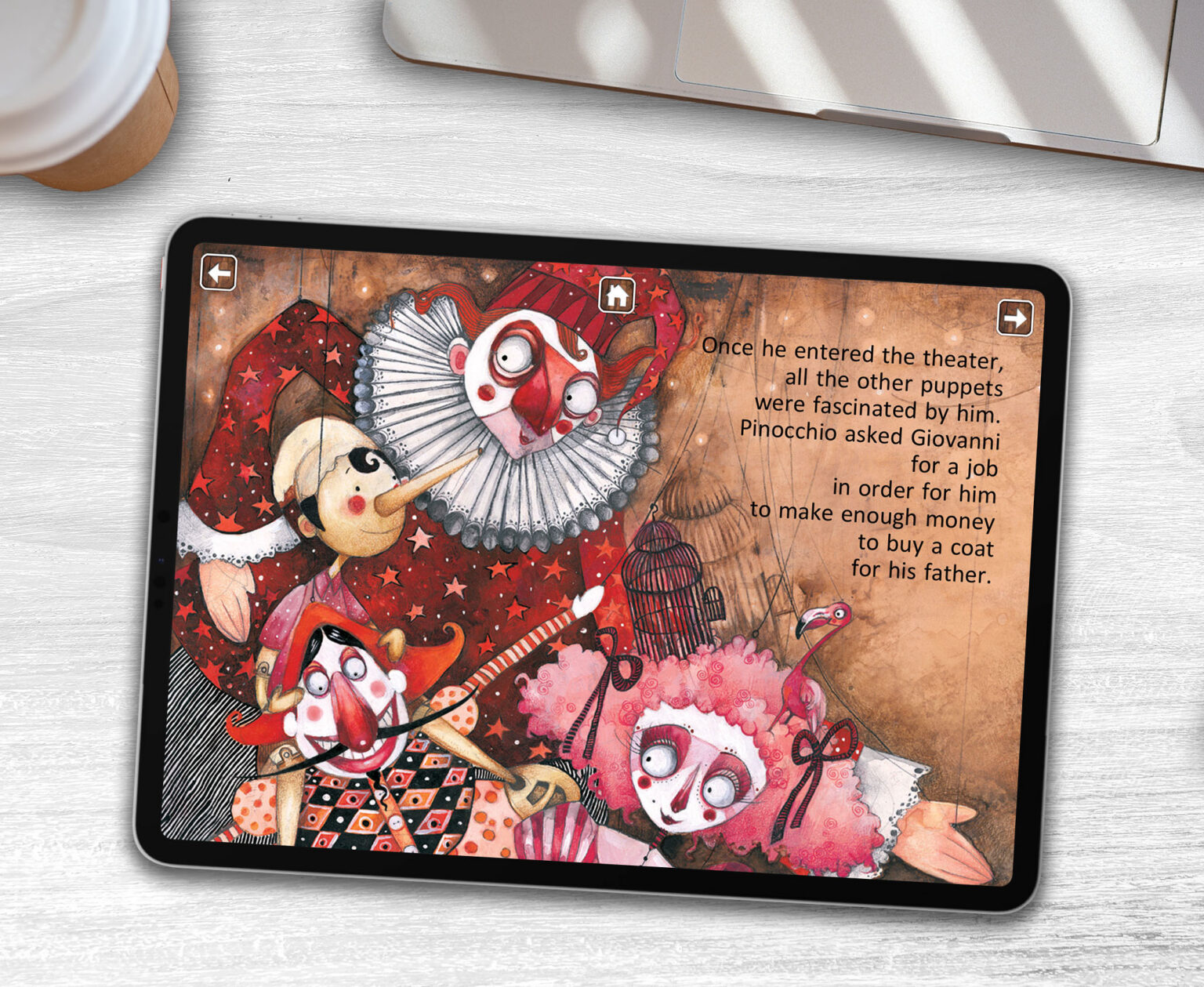
Most developers who offer book to app conversion will show you mockups or student projects. I’ll show you a 2012 cover story in LiFO. The Pinocchio app for Minoas Editions was one of the first professional children’s book-to-app conversions published in Greece: 18 fully interactive pages, character animations, professional narration by actor Kostas Krommydas, and App Store distribution. It was covered by both LiFO and in.gr on release (articles in Greek). The book is still available from Greek booksellers today.
Commissioned Client Work
Beyond the consumer app portfolio, I have built apps on commission for recognised publishers and institutions. Minoas Editions commissioned the Pinocchio interactive app in 2012. The Eugenides Foundation, one of Greece’s most respected science education organisations, commissioned the Planets and Dinosaurs app, which is live on both the App Store and Google Play. Menandros Publishing commissioned an educational app for classroom use. I am currently developing a therapeutic app for a speech therapist in Rhodes, built specifically for children with autism.
These are professional commissions from organisations that chose to work with me after evaluating other options. The same Unity architecture, the same App Store submission process, and the same attention to child UX that delivered those results go into every client project. You are not funding a learning curve. You are working with 14 years of published, commissioned, reviewed work.
How Do You Choose the Right Developer for Book to App Conversion?
Quick Answer: Evaluate any developer on five criteria: published apps in the App Store (not just “projects completed”), familiarity with children’s app regulations (COPPA, App Store age ratings), clear process documentation with milestone payments, Unity or platform-specific experience, and transparency about what is and isn’t included in the price. Ask to speak with a previous author client. If they can’t provide one, that’s a serious red flag.
Picking the right developer is the decision that makes or breaks the whole project. The questions below will help you separate capable developers from those who will take your money and deliver a disappointing result.
Questions to Ask Every Developer Before You Hire
- Can I find your apps in the App Store right now?
Published apps are the only real proof. A demo reel or mockup is not the same as a shipped product with real user reviews. - How do you handle COPPA compliance?
Children’s apps have strict legal requirements around data collection. A developer who pauses at this question has not shipped children’s apps professionally. - What’s your first-submission App Store approval rate?
Rejections delay launch by weeks. A developer with deep platform knowledge has 80%+ first-submission approval. - How many revision rounds are included, and what counts as billable?
This is where budgets spiral. Get this in writing before you sign anything. - Can I speak to an author you’ve worked with?
A legitimate developer will have a reference ready. Hesitation is a red flag. - Do I own the commercial rights and all creative assets?
Yes, fully. The commercial rights, all illustrations, animations, and audio are yours. Source code terms are discussed as part of the project agreement.
What Is the Realistic Return on a Children's Book App?
Quick Answer: At a $4.99 price point, break-even requires 2,500–3,500 downloads after Apple and Google’s 30% platform fee. For an author with an existing audience of 1,000+ readers and a basic marketing plan, break-even within 6–12 months is realistic. The stronger long-term opportunity is institutional licensing: 5–10 school or library licences at $300–$2,000 each can cover development costs in year one alone.
Revenue Scenario | Downloads (Year 1) | App Price | Gross Revenue | Net After 30% Fee |
|---|---|---|---|---|
Conservative | 5,000 | $4.99 | $24,950 | $17,465 |
Realistic (with marketing) | 15,000 | $4.99 | $74,850 | $52,395 |
Optimistic (featuring + organic growth) | 50,000+ | $4.99 | $249,500 | $174,650 |
These figures are illustrative projections based on industry averages and comparable app performance data. Actual results depend on your book’s existing audience, your marketing activity, app pricing, and market conditions. I do not guarantee specific download numbers or revenue outcomes. What I guarantee is the quality of the build and the process that gives your app the best possible foundation to succeed.
Years two and three bring in revenue with almost no extra cost because the development is already paid for. Institutional licensing adds on top of consumer downloads. An early literacy app in my portfolio generated $41,860 from individual downloads over three years. The same app generated $70,500 from school licences over the same period. Institutions represented 63% of total revenue, without requiring any extra marketing after the initial App Store listing.
Key Takeaways: Book to App Conversion
- Professional book to app conversion is Level 4 development. Unity-based, native iOS and Android, with real interactivity. Template platforms and PDF wrappers are not app conversion.
- Your book should have proven demand before converting. 500–1,000 copies sold is a minimum signal that an audience exists for the app.
- The $9,000–$15,000 range is the accessible professional tier. Agency quality without agency overhead, built by someone who has shipped 25+ published apps with over one million downloads.
- Institutional licensing is the highest-return revenue stream. 5–10 school licences can cover development costs in year one, with annual renewals after that.
- Technology choice affects everything. Unity enables cross-platform development at lower cost than native development and supports the full range of animation and interactivity children’s books need.
- The process takes 4 to 6 months with milestone payments. You stay in control at every phase and never pay for work that hasn’t been approved.
- Apps extend your book’s impact to children who don’t engage with print: children with dyslexia, ADHD, autism, and language learning needs are all better served by interactive, narrated digital experiences.
Frequently Asked Questions:
About Book to App Conversion
How long does book to app conversion take?
A professional book to app conversion takes 4 to 6 months from project kickoff to App Store launch. The most time-intensive phase is development (months 2 to 4). Discovery and asset preparation take the first four weeks. Quality assurance and App Store submission take the final two. Rush timeline under 3 months compromise quality and should be treated as a red flag from any developer who accepts them without a detailed plan.
Do I keep ownership of the app and all assets?
Does my book need to have published sales to qualify for app conversion?
What files do I need to provide from my existing book?
Can I add mini-games or educational activities to my app?
Yes, and these are often the highest-engagement features in children’s apps. Tier 4B includes one to two light interactive activities. Tier 4C supports full mini-games with scoring, adaptive difficulty, and achievement tracking. I design all activities to connect with your book’s story and learning objectives. They should feel like a natural part of the narrative, not a separate product bolted on.
How does App Store Optimization work and who handles it?
What happens if Apple rejects my app during review?
Rejection happens for specific, documented reasons that Apple communicates clearly. The most common causes are privacy policy issues, in-app purchase configuration problems, or content concerns. I address every rejection and resubmit as part of the project. This is not a billable add-on. My first-submission approval rate is above 85%, meaning most apps go live without rejection. For the minority that do receive feedback from Apple, the average resolution time is 3–5 additional days.
Is a children's book app profitable without a large existing audience?
Ready to Find Out If Book to App Conversion Is Right for You?
I offer a free 30-minute consultation to any author who is seriously considering converting their book to an app. Send me your book PDF beforehand and I’ll come to the call having actually read it. We’ll talk through the interactive possibilities specific to your story, the tier that fits your goals, and a realistic revenue projection for your audience size.
No pressure, no obligation. I’d rather give you an honest assessment that helps you make the right decision, even if that decision is “not yet,” than take a project that isn’t in the right place to succeed.
Start With a Free Consultation
Send your book PDF and book a free 30-minute call. I’ll read your book, assess its app potential, and give you a specific price estimate. You keep full creative control, you own everything, and your first payment doesn’t happen until the storyboard is approved.
You can also explore the full illustration and book production service at ReadnLearn’s children’s book illustration page, or request a free custom illustration spread if you’re still in the book creation phase.
About the Author
Aris is a children’s book illustrator and educational content creator based in Athens, Greece. With 27 years of experience and 58+ published books, he has received the Disney Creativity Award in 2002 and was selected for Microsoft AppCampus funding in 2014.
ReadnLearn operates on a dual mission: providing professional illustration and publishing services to international authors while using that revenue to fund the development of free educational tools and therapeutic resources for children with autism and other learning differences. To request a free custom spread illustration or ask about available services, visit the services page or submit a request directly.
