
First Words With Phonics
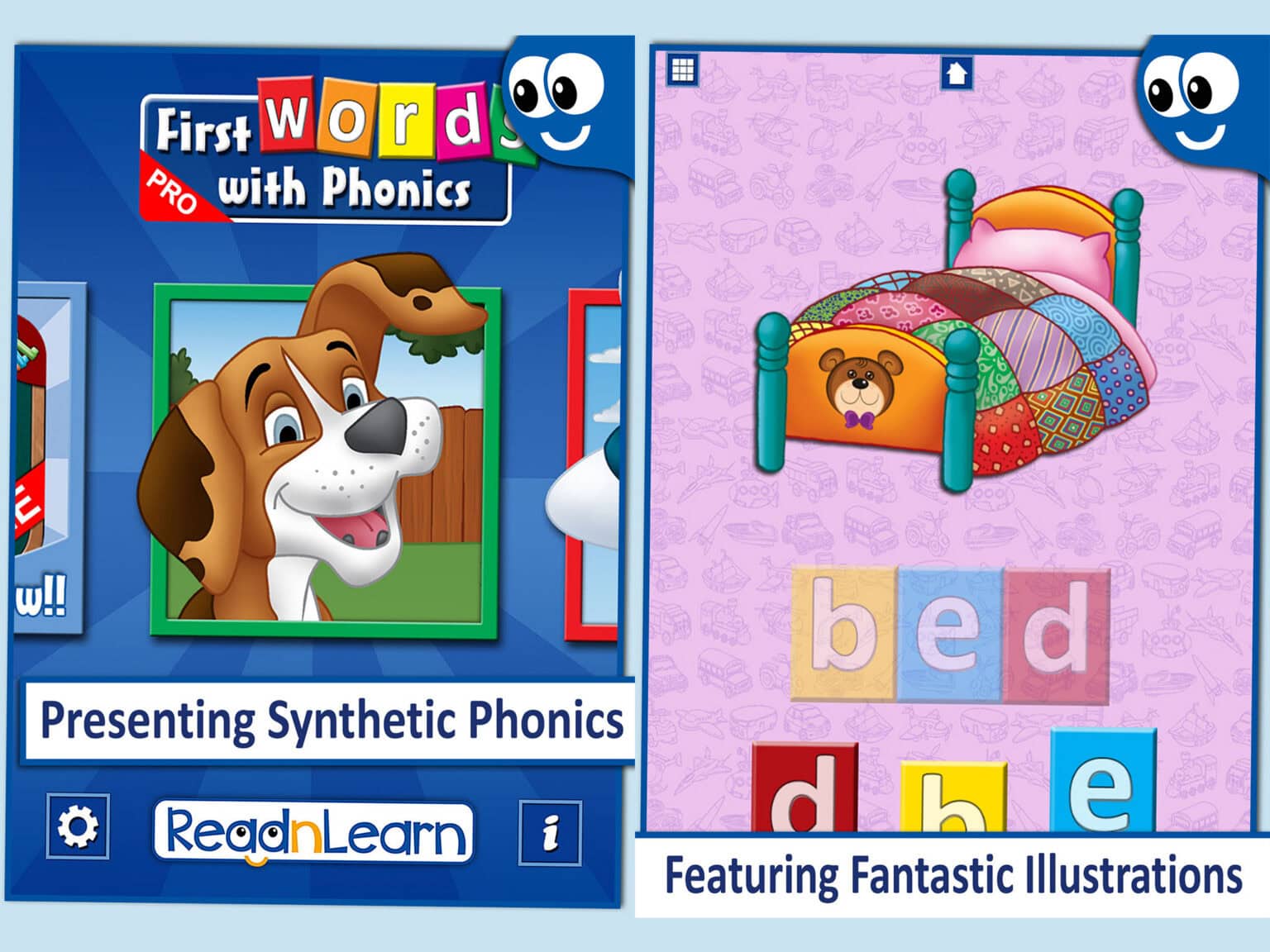
First Words With Phonics teaches letter sounds and first words
using synthetic phonics for children aged 2 to 6. Three
adjustable hint levels let parents and therapists control how
much support the child receives. No countdown timers. No time
pressure. Clean uncluttered design that adapts to the child.
also available in French language, Italian language, German language
Download for iOS also available in French language, Italian language, German language
Word Book & Puzzle Box
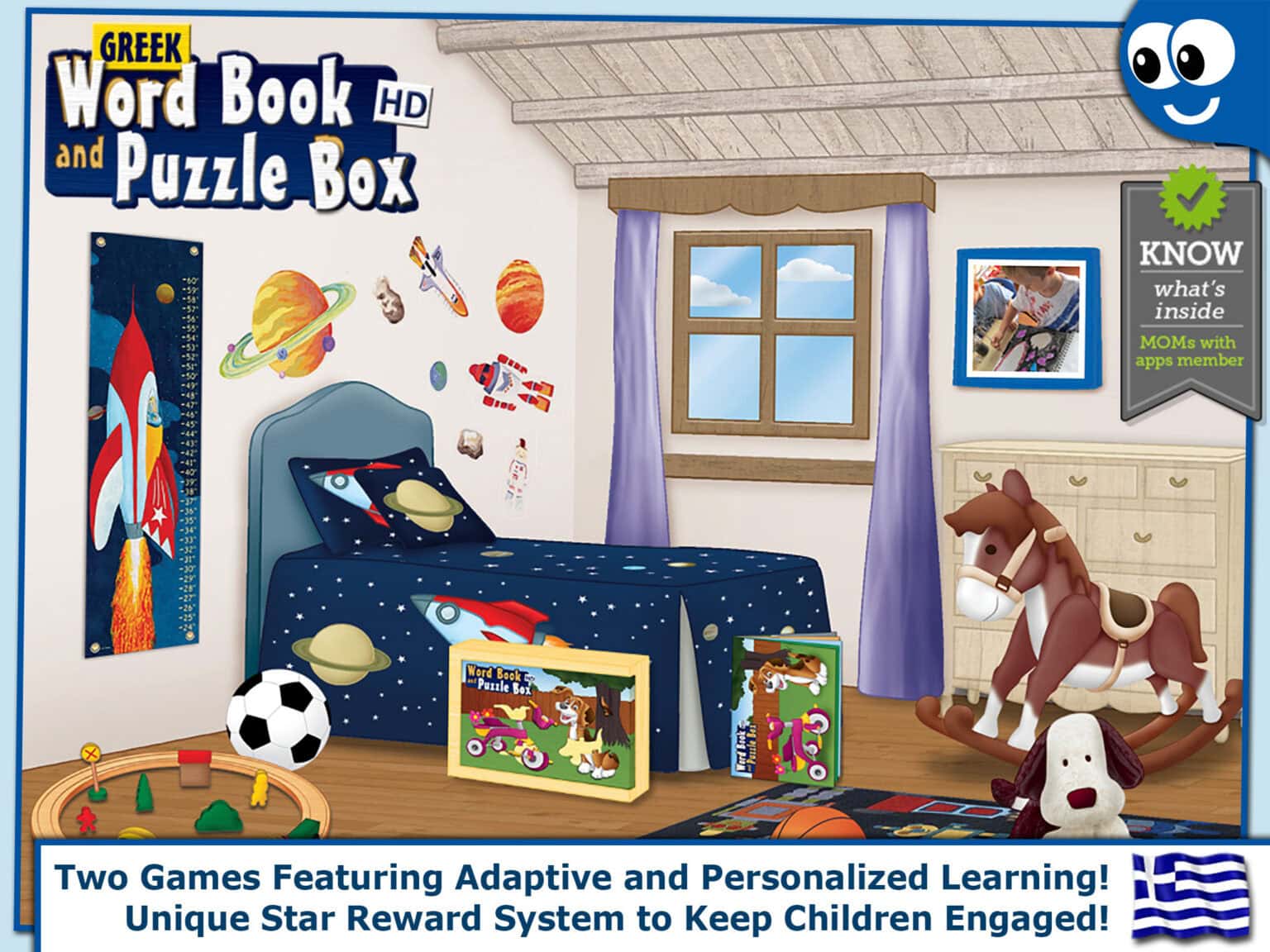
“Spanish Word Book and Puzzle Box HD” is an educational app for the iPad that includes two games featuring adaptive and personalized learning. The Word Book that teaches phonics, letter names and spelling in Castilian or Latin American Spanish. And the Puzzle Box that helps children develop their observational skills through extraordinary puzzles.
also available in Greek language
Download for iOS also available in Greek language
Puzzle School
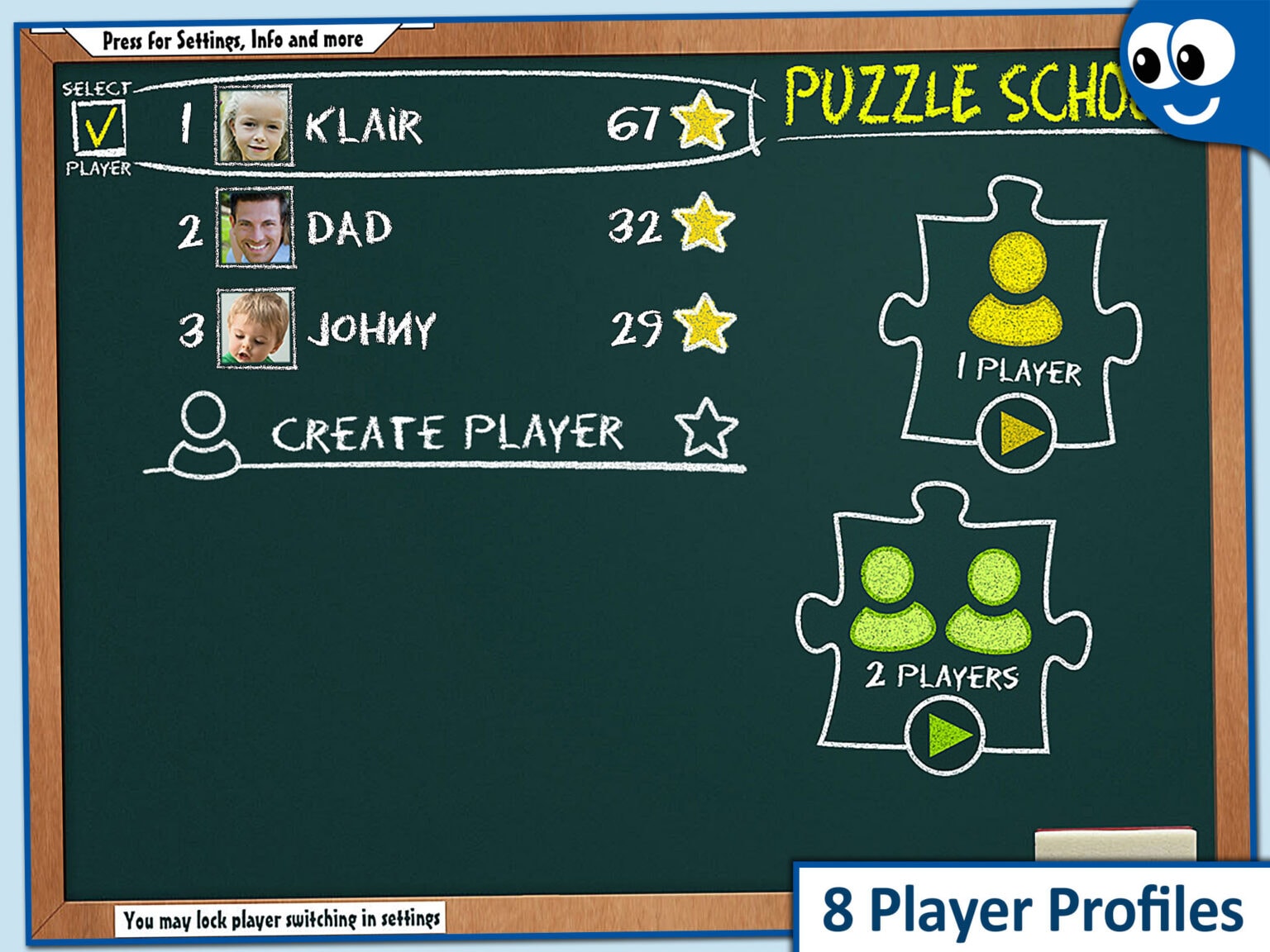
“Kids Jigsaw Puzzle School”, the ultimate children’s puzzle app for iPad that includes up too 330 picture perfect puzzles for kids. Puzzles are divided into three stages to help students progressively refine their observational skills to master puzzles. For even more fun it also includes a unique two player mode.
also available: Kids Puzzles 2+, Kids Puzzles 4+, Kids Puzzles 6+, Kids Puzzles Pro
Download for iOS also available: Kids Puzzles 2+, Kids Puzzles 4+, Kids Puzzles 6+, Kids Puzzles Pro
Flying Phonics
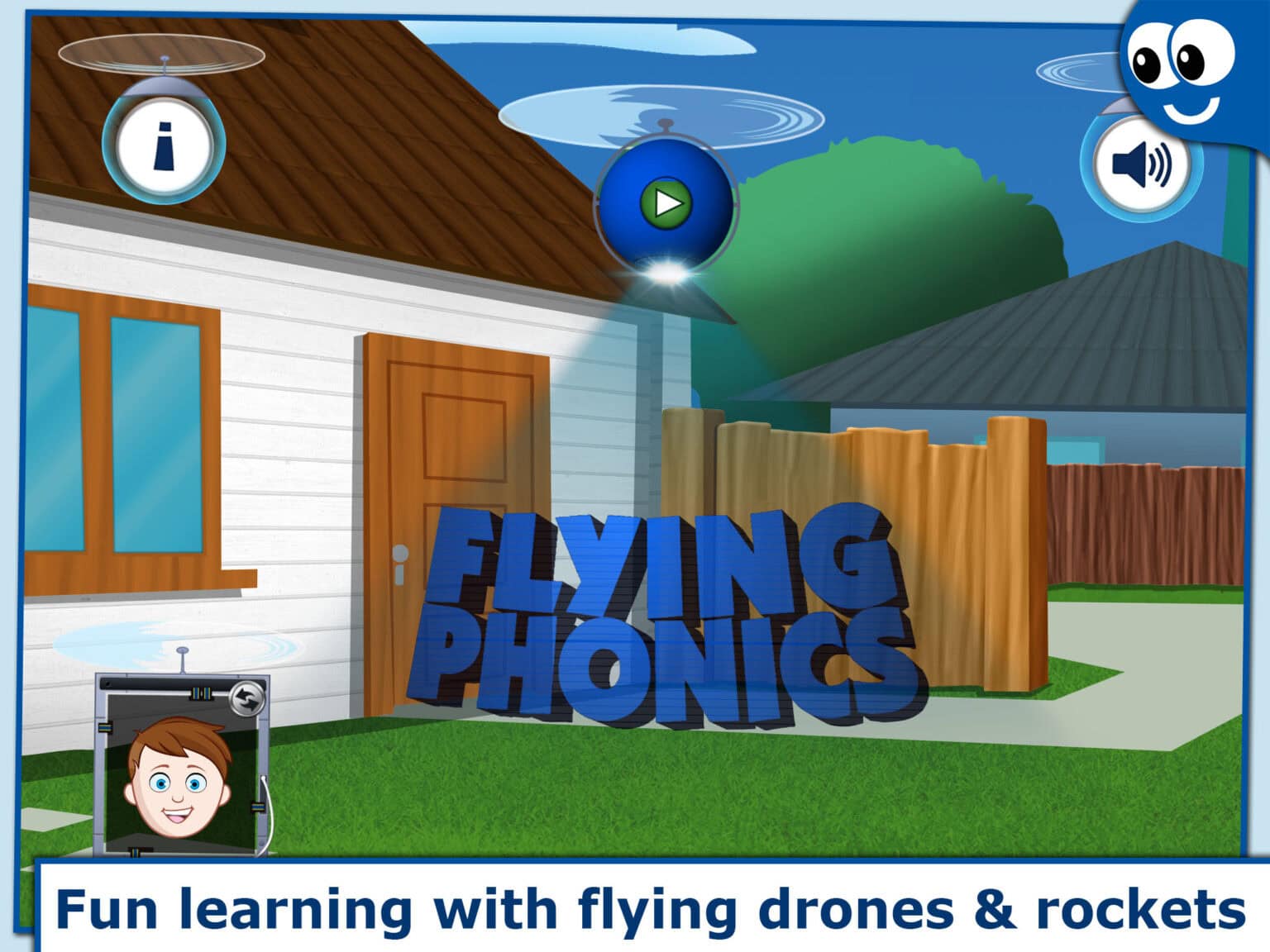
Drag letter rockets to form words, hear each letter sound, and watch the image reveal itself as letters land in place. More than 70 words across animals, shapes and vehicles, with unlimited avatars so every child has their own learning profile. No timers, no pressure, no ads. For children aged 2 to 6.
also available: Greek
Download for iOS also available: Greek
