Kids Learning Apps
ReadnLearn has been developing fun and educational kids learning apps since 2011. Our apps are published on the App Store, ranked in 110+ countries, and have received more than 2,000 reviews with an average rating of 4.5 stars. Together they have been downloaded over a million times.
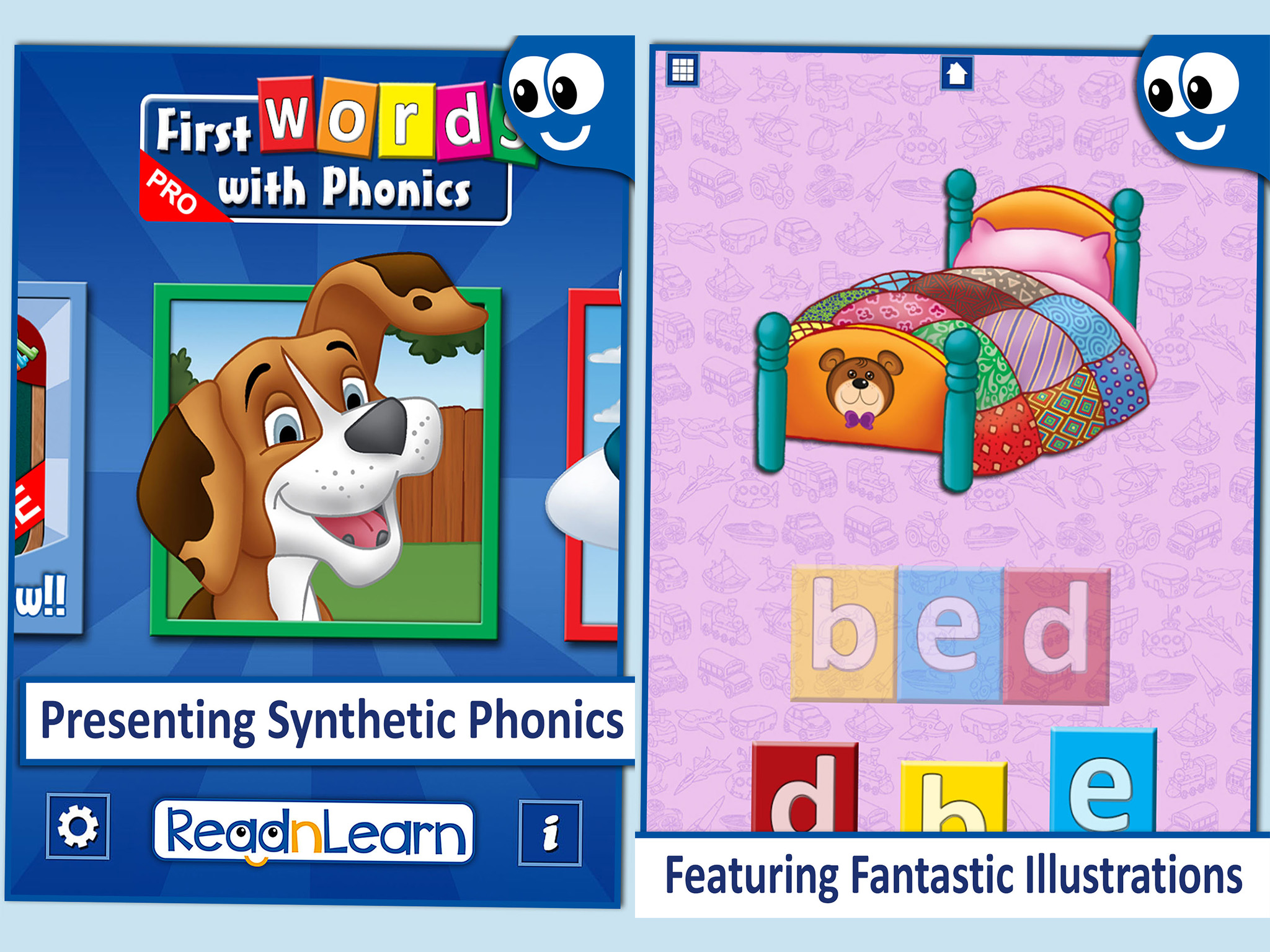
First Words With Phonics
also available in French language, Italian language, German language
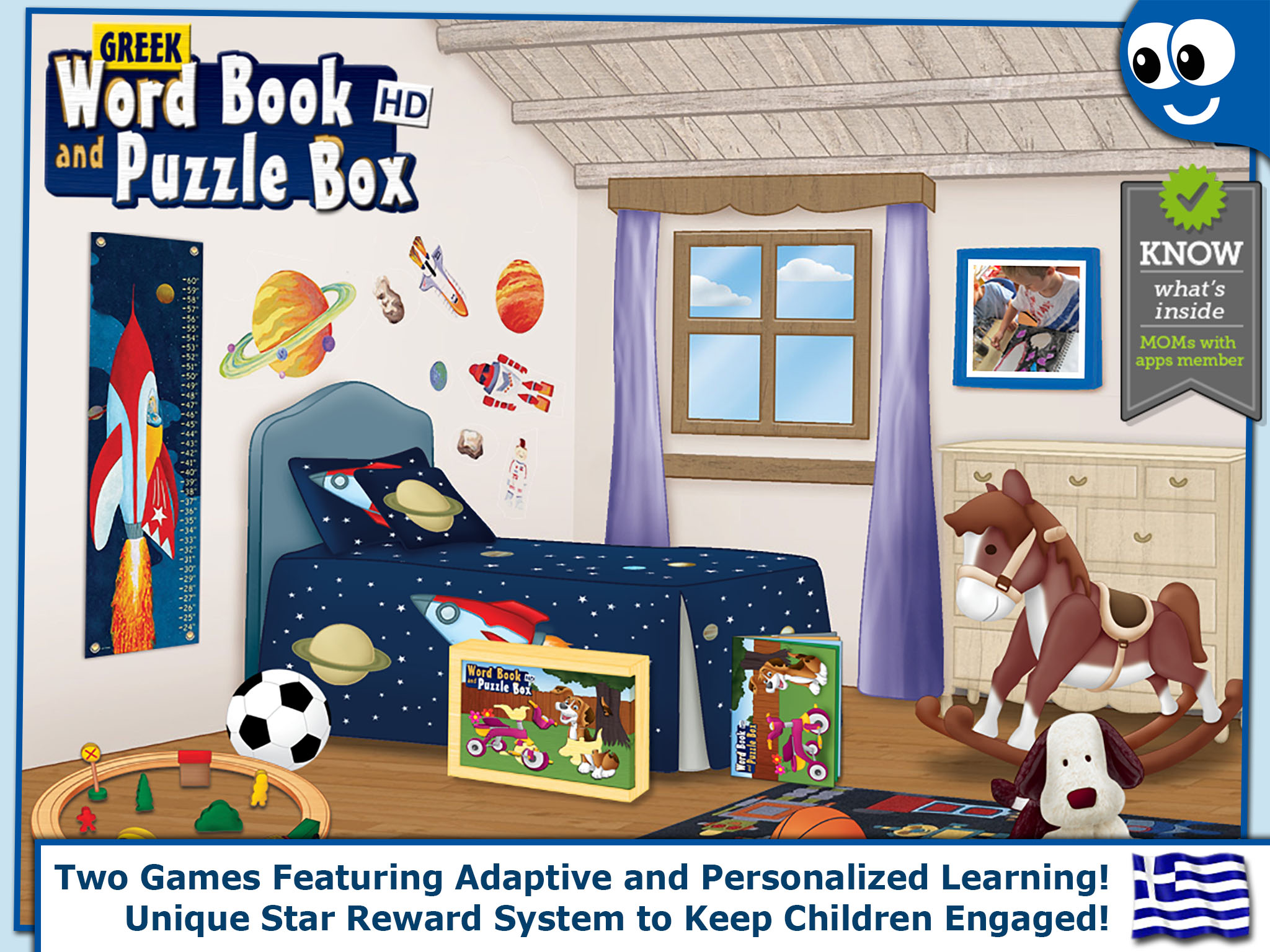
Word Book & Puzzle Box
also available in Greek language
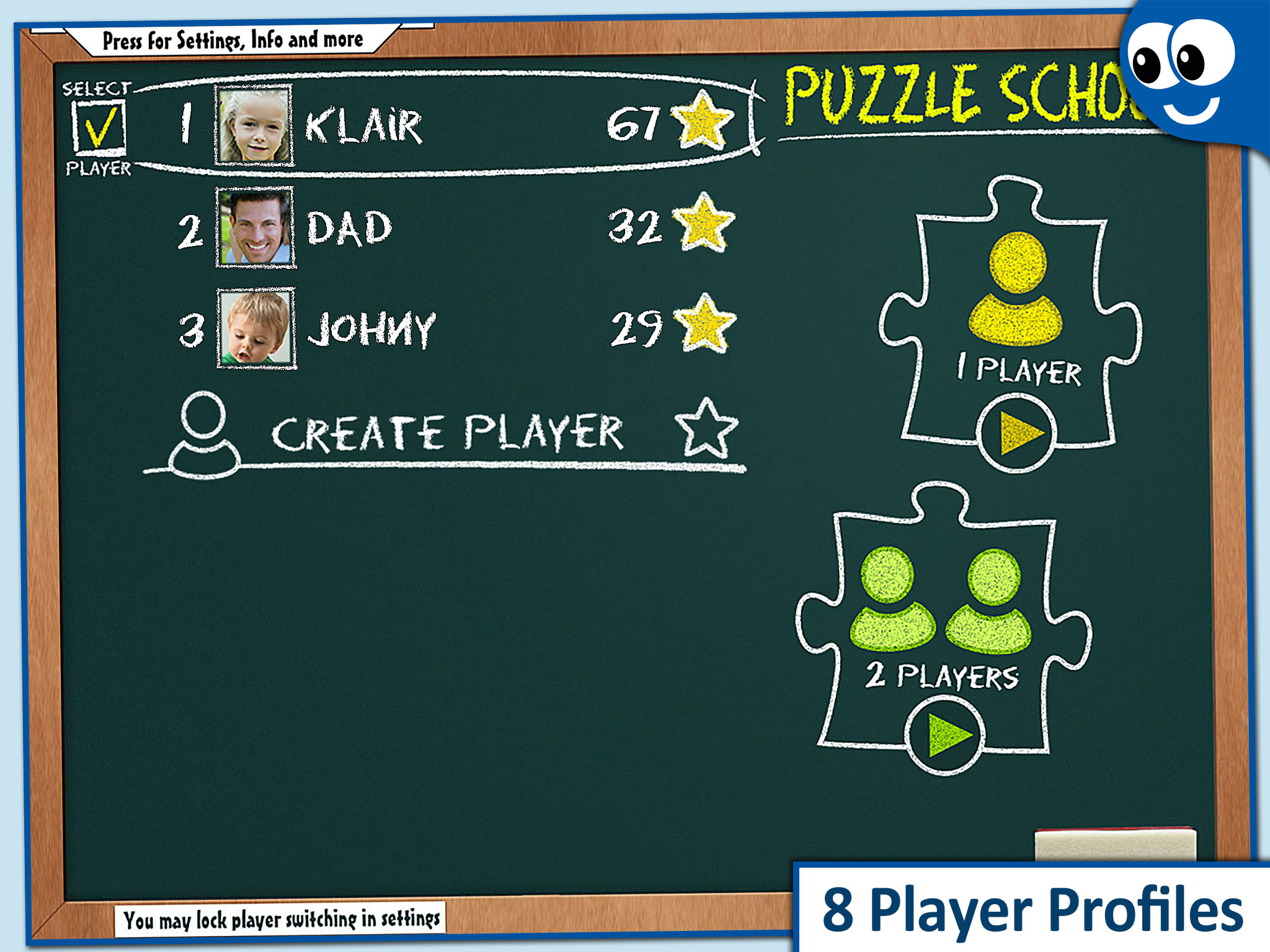
Puzzle School
also available: Kids Puzzles 2+, Kids Puzzles 4+, Kids Puzzles 6+, Kids Puzzles Pro
At ReadnLearn we take your privacy very seriously.
- Our apps do not collect personally identifiable information from our users. In other words, we do not collect information such as a user’s name, address, phone number or email address.
- Our apps do not use technology to collect and disclose to a third party a user’s personal information such as name, sex, age, address, e-mail address , phone number, grade, and school.
- Our apps do not use or collect a user’s precise geographic location.
- Our apps do not contain Social Network Integration or Other Social Features (links to Facebook, Twitter, etc)
- Our apps do not contain any advertising banners.
- Our apps may contain information about our other apps with links to those apps. These links are found on a contained, parent targeted screen separate from game play screens.
- Our Apps may contain “Feedback”, “Tell a Friend”, “Rate Now” and/or “Gift Now” buttons. These buttons are found on a contained, parent targeted screen separate from game play screens.
- Our Apps may contain In App Purchases to enable additional content. These In App Purchases are purchased once, are found on a contained, parent targeted screen separate from game play screens.
OUR KIDS LEARNING APPS HAVE BEEN DESIGNED WITH THE GUIDELINES OF THE UNITED STATES FEDERAL TRADE COMMISSION (FTC) IN MIND, AS EXPRESSED IN THE CHILDRENʼS ONLINE PRIVACY PROTECTION RULE (COPPA) AND STRIVE TO MEET ALL DUTIES AND OBLIGATIONS UNDER THE RULE OF LAW. THE RULE REQUIRES OPERATORS OF ONLINE SERVICES, INCLUDING INTERACTIVE MOBILE APPS, TO PROVIDE NOTICE AND GET PARENTAL CONSENT PRIOR TO COLLECTING INFORMATION FROM CHILDREN UNDER 13. THE FEDERAL TRADE COMMISSION WORKS FOR CONSUMERS TO PREVENT FRAUDULENT, DECEPTIVE, AND UNFAIR BUSINESS PRACTICES AND TO PROVIDE INFORMATION TO HELP SPOT, STOP, AND AVOID THEM. IF YOU HAVE ANY QUESTIONS OR CONCERNS ABOUT OUR PRIVACY POLICY, PLEASE CONTACT US: app-support@readnlearn.com
Frequently Asked Questions for Kids learning apps:
Restoring an App that was Accidentally Deleted
You may re-download the app to your iPhone, iPad, or iPod touch, by visiting the App Store with the same account you used for the original purchase. Locate the app in the App store and tap Buy App. You will then see a dialogue box, stating that you have purchased the app before and that you may download it again for free by tapping OK.
App Download did not Complete
If one of your App Store purchases didn’t complete, you should make the purchase again from the same account. Apple will not charge you twice for an app. When you try again, make sure you are at a location with a strong Internet connection. If the download fails a second time, you could try rebooting your device and retrying.
No Sound
The app’s sound is adjusted regardless of your iPhone, iPad, or iPod touch sound settings. Use the volume buttons to adjust the level accordingly when using the app. An alert will appear if the sound is set to mute when you return to play again.
Deactivating Flight Mode Alert
By default a Flight Mode Alert will pop up each time you enter the application. This alert may be deactivated from the settings of the application. The alert and the corresponding setting are available only on the iPhone.
Greek interface / menus